
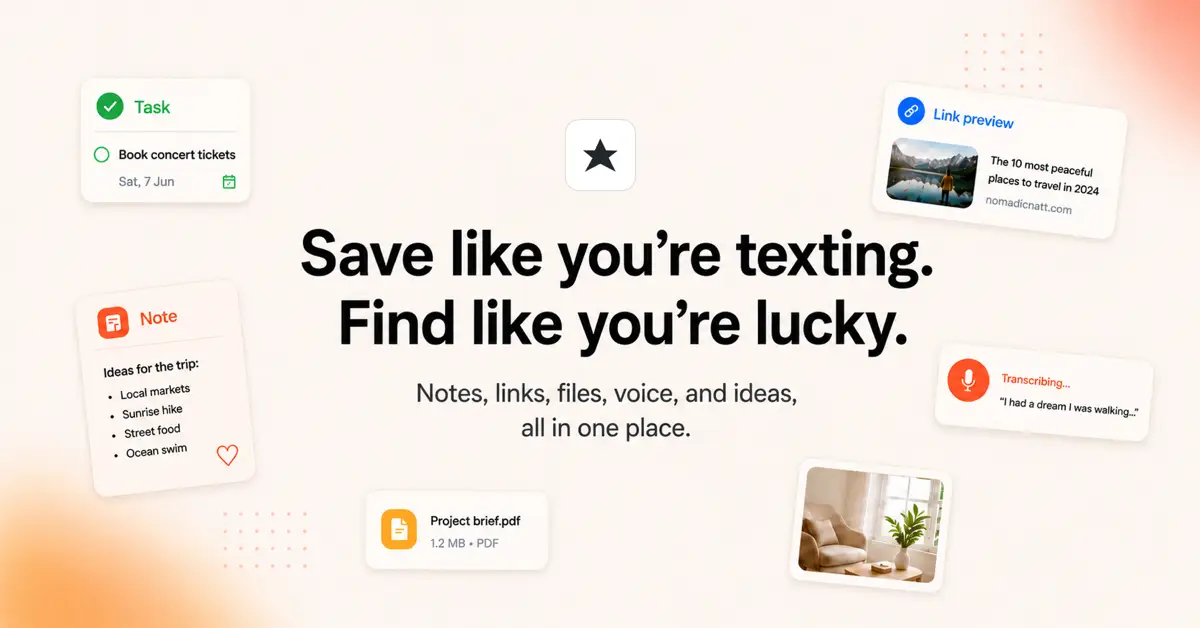
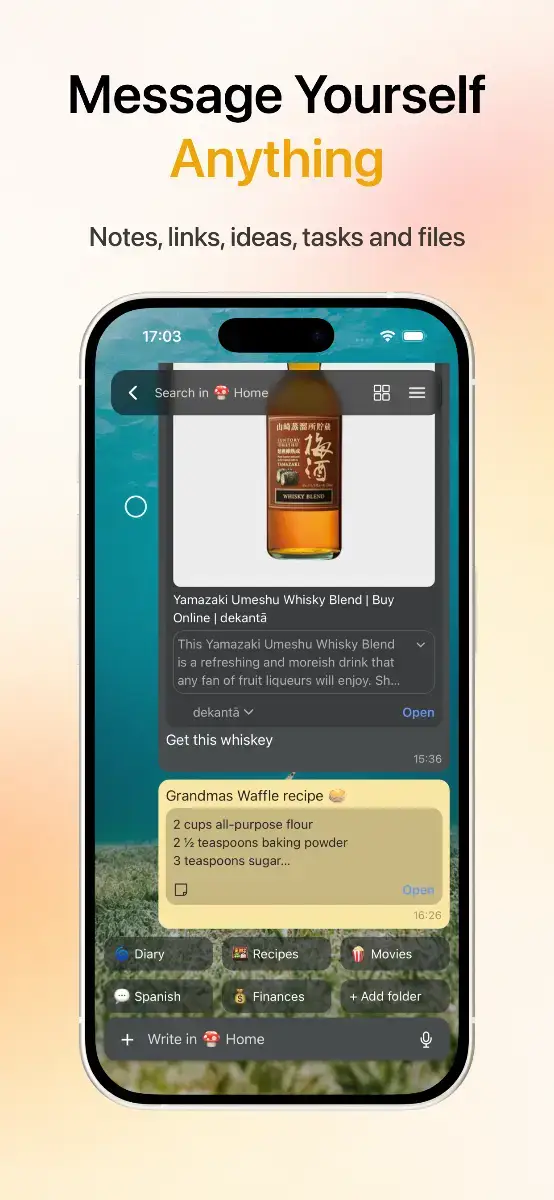
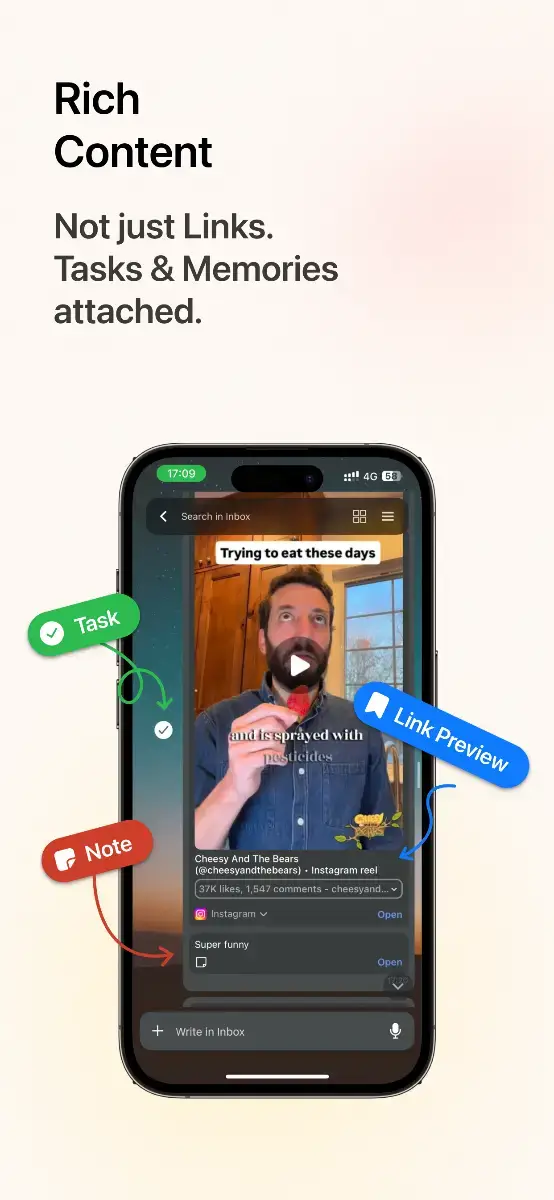
Luckynote is a message-yourself app for saving everything you don’t want to lose. Notes, links, screenshots, videos, voice notes, tasks, and reminders, all in one place.
Save anything like you’re sending a message
Send yourself a thought, drop a link, share a TikTok, Instagram post or YouTube video, upload a screenshot, record a voice note, or add a reminder. No complicated organization required. Just save it and move on.
Your information grows for you
Luckynote doesn’t just store what you save. It can turn videos into searchable transcripts, extract text and context from images, preserve articles, transcribe voice notes, and make your saved content easier to find and use later.
Come back to what matters
Set reminders for anything you save, search across your information, organize things into folders when you want to, and get Reviews that resurface useful things you saved during the week or month.
Use your knowledge anywhere
Luckynote works across iOS, Android, and the web, with browser tools for saving and highlighting content. Connect your saved information to AI assistants through MCP, so they can work with the knowledge you’ve already collected.
Instead of spending time organizing your second brain, just keep living. Save things as they happen, and let Luckynote do more with them over time.
About Luckynote
Luckynote is a productivity and knowledge management app for people who save ideas, links, videos, screenshots, notes, and everything else they want to remember.
Frequently asked questions about Luckynote
What is Luckynote?
Luckynote is a message-yourself app that helps you quickly save anything and turns what you save into useful, searchable knowledge over time.
What can I save in Luckynote?
You can save notes, links, articles, images, screenshots, files, videos, voice notes, tasks, reminders, and more.
Does Luckynote use AI?
Yes. Luckynote can use AI to summarize content, transcribe audio and video, understand images, extract text, and help you search and work with your saved information.
Can I use Luckynote with other AI assistants?
Yes. Luckynote provides MCP access, allowing compatible AI assistants to work with the information you’ve saved.
Where is Luckynote available?
Luckynote is available on iOS, Android, macOS and the web.