

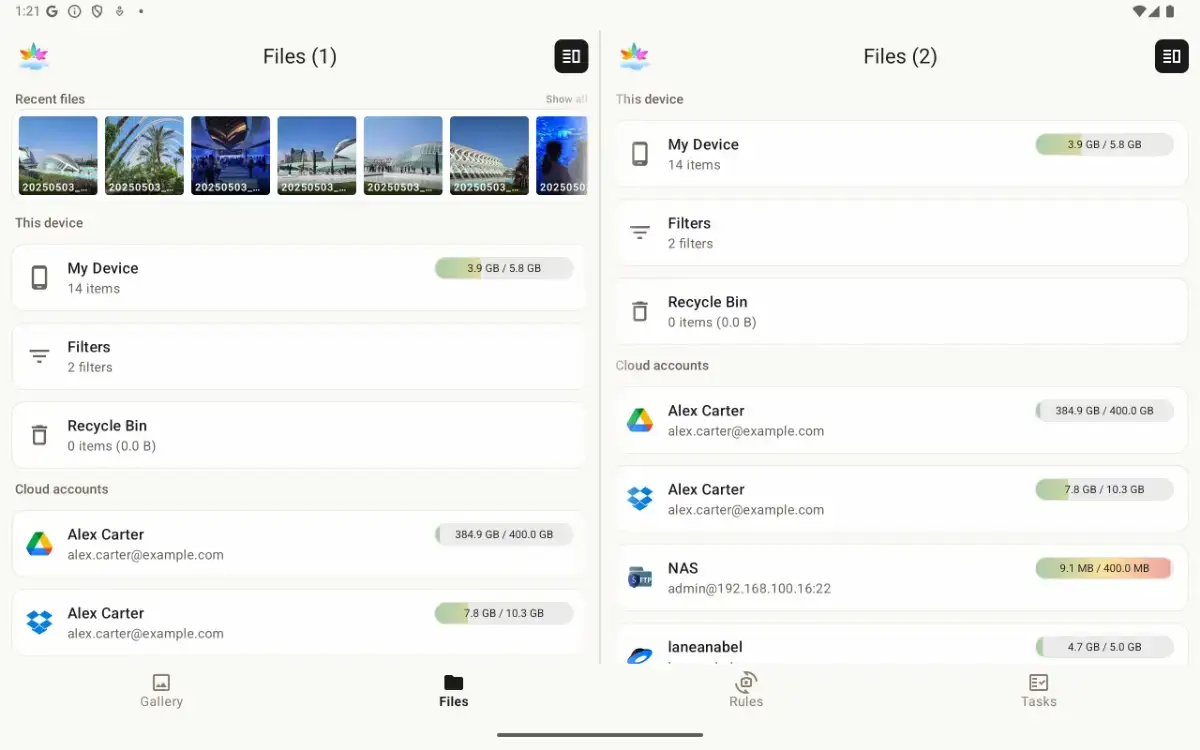
SyncGallery is an Android app for anyone who wants an easier way to back up, sync, and manage photos and files. It combines a photo gallery, file explorer, editor, and flexible sync tools in one place. You can connect Google Drive, OneDrive, Dropbox, Yandex Disk, Nextcloud, NAS, FTP/FTPS, SFTP, and WebDAV.
The app helps users manage their photo library efficiently with features including:
Previewing the first sync before committing changes, helping avoid surprises and duplicates
Automatically backing up the camera folder or any other folder
Keeping folders synchronized with one-way or two-way sync
Uploading photos and videos directly to cloud folders from preview mode
Quickly sending files from other Android apps through the Share menu
Browsing and managing files across the device, cloud accounts, and network storage
Tracking uploads and downloads with per-file progress
Viewing the full sync history to understand every change
Reviewing conflicts and choosing which version to keep
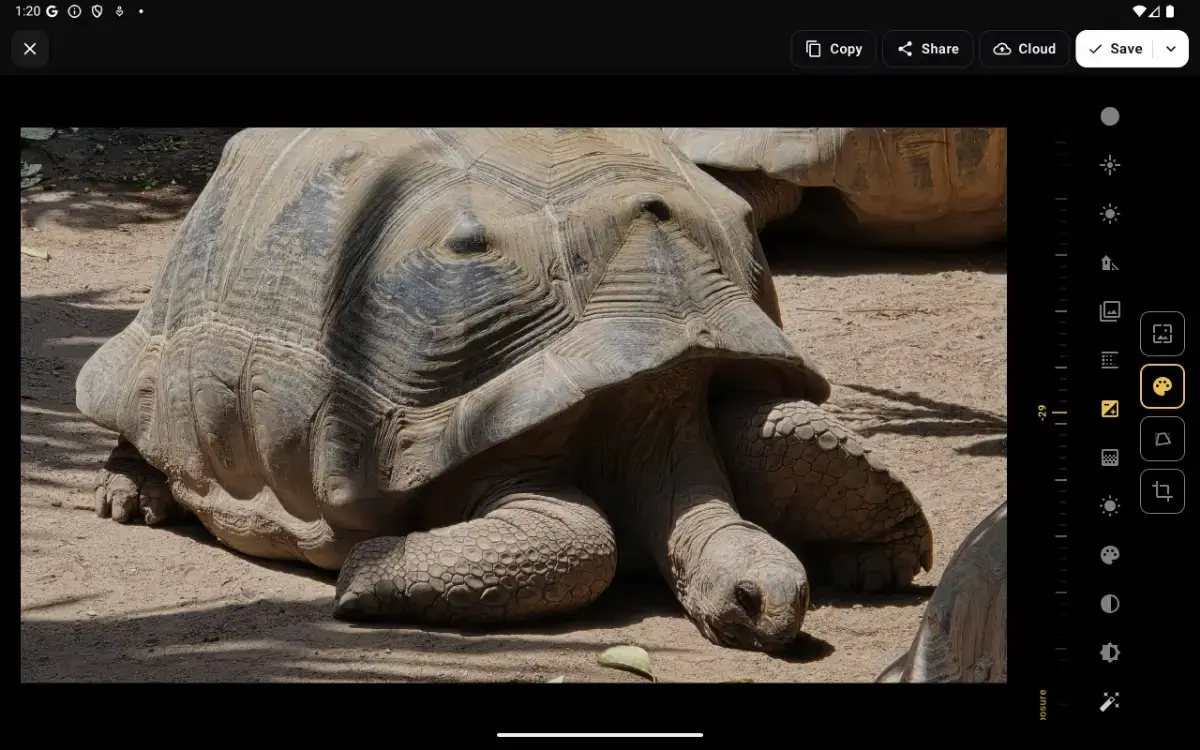
Editing photos and videos without leaving the app
Files move directly between the Android device and the selected cloud account or server, giving users more control over where their data goes.